
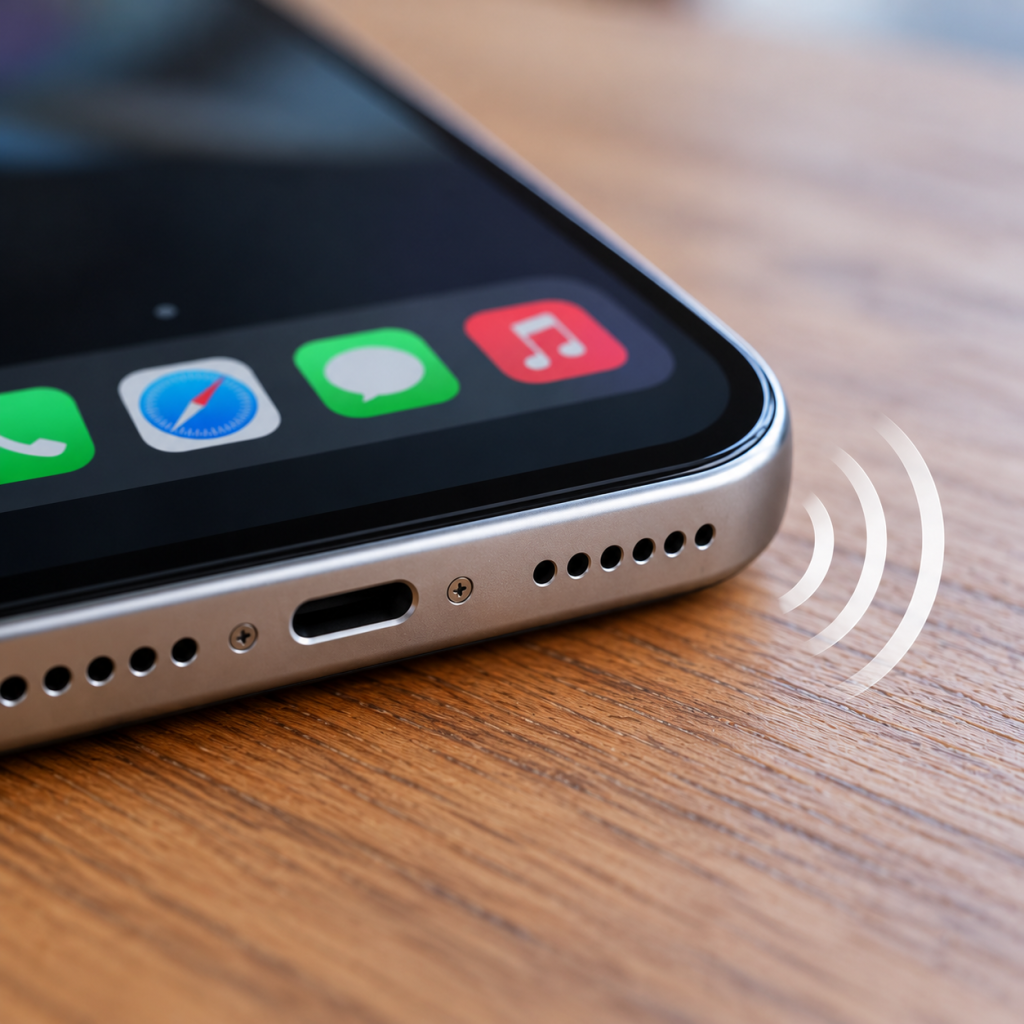
Phone Speaker Sounds Muffled? Here's How to Fix It
Struggling to hear people during calls? Or perhaps your music sounds quiet, crackly or like it's playing through a wall?
A muffled phone speaker can make everyday tasks frustrating, especially when you're trying to listen to voice notes, take calls or watch videos.
Fortunately, a quiet or distorted speaker doesn't always mean your phone needs replacing. Dust, pocket lint, software settings or a temporary audio problem could be responsible.
At Hi-Tech Fones in Farnworth, Bolton, we help customers with common phone faults, including speaker and sound problems on iPhone and Android devices.
Get Phone Repair Advice →Quick Answer: How Do You Fix a Muffled Phone Speaker?
If your phone speaker sounds muffled, start by removing your case, checking the volume and audio settings, and inspecting the speaker openings for visible dirt.
You can gently clean the exterior speaker grille with a clean, dry, soft-bristled brush if appropriate for your device. Avoid sharp objects, liquids and compressed air.
If the sound remains distorted after restarting and testing different apps, the speaker may need professional inspection.
Why Does My Phone Speaker Sound Muffled?
There are several reasons why a phone's audio might suddenly become quieter or less clear.
Some are easy to fix at home, while others involve damage to the speaker or internal components.
Dust and Pocket Lint
Everyday dirt can collect around speaker openings and interfere with the sound coming through.
Moisture Exposure
Water or condensation around the speaker grille may temporarily affect audio quality or damage internal parts.
Software or Audio Settings
Temporary software issues, connected Bluetooth devices or incorrect settings can make sound seem quieter than expected.
Physical Speaker Damage
A drop or impact can damage the speaker, surrounding housing or internal connections.
Common Signs of a Speaker Problem
Is It Your Phone's Earpiece or Loudspeaker?
Most smartphones have different audio components for normal phone calls and louder playback.
Knowing which one is affected can help you narrow down the problem.
| Where You Notice the Problem | Possible Cause | What to Check |
|---|---|---|
| Normal phone calls | Earpiece or receiver speaker | Check the top speaker opening and call volume. |
| Music and videos | Loudspeaker or audio settings | Test different apps and inspect the speaker openings. |
| Bluetooth headphones | Bluetooth connection or audio routing | Disconnect Bluetooth and test the phone's own speaker. |
| All audio sounds distorted | Software, hardware or moisture-related fault | Restart and compare audio across several apps. |
Speaker layouts vary by model. Some phones use multiple speakers, so a fault may affect only certain types of playback.
7 Quick Fixes for a Muffled Phone Speaker
Before paying for a repair, try these simple checks to see whether you can improve the sound yourself.
Remove Your Phone Case
Take off your case and check whether it covers or partially blocks any speaker openings. A poorly fitting case can sometimes affect audio quality.
Check the Volume and Sound Settings
Increase the volume while audio is playing. Check whether the problem happens during calls, videos or music, as different situations may use different volume controls.
Inspect the Speaker Openings
Use a bright light to check for visible dust or lint around the speaker grille. Avoid pushing anything into the openings.
Clean the Exterior Gently
If your device's manufacturer permits it, use a clean, dry, soft-bristled brush to gently remove loose dirt from the exterior grille. Don't apply excessive pressure.
Disconnect Bluetooth Devices
Your phone may be sending audio to headphones, a car or another connected device. Disconnect Bluetooth accessories and test the built-in speaker again.
Restart Your Phone
A normal restart can clear temporary software issues that affect audio playback. Once the phone restarts, test the speaker with a familiar sound.
Test Different Apps and Calls
Try playing music, watching a video and making a call. If the problem only happens in one app, the issue may be related to that app rather than the speaker hardware.
How to Clean Your Phone Speaker Safely
Dust and pocket lint can build up around the tiny speaker openings over time. Cleaning the exterior may help if loose debris is affecting the sound.
Step-by-Step Speaker Cleaning
Switch Off Your Phone
Turn the phone off and disconnect any charging cables or accessories before cleaning.
Remove the Case
Take off the case so you can clearly see the speaker openings and check for visible obstructions.
Use a Soft, Dry Brush
Where permitted by the manufacturer's cleaning instructions, gently brush loose dust from the outside of the grille. Avoid pushing the bristles into the mesh.
Test the Sound Again
Switch the phone back on and play audio at a comfortable volume to see whether the sound has improved.
Should You Use a Speaker-Cleaning App?
Some websites and apps play low-frequency sounds that claim to remove water from phone speakers.
Results vary, and these tools are not a reliable way to repair damaged hardware or remove packed-in debris. They should not replace manufacturer-approved drying guidance or professional inspection.
Avoid playing extremely loud sounds for extended periods in an attempt to force moisture out.
What If Your Phone Speaker Sounds Muffled After Getting Wet?
If your phone has recently been exposed to water, the muffled sound may be related to moisture around the speaker openings.
Some devices are water-resistant, but that doesn't mean they're waterproof or immune to liquid damage.
What You Should Do
What You Should Avoid
If the sound remains distorted after the phone has dried, or you notice other problems such as unexpected restarting or charging faults, arrange a professional inspection.
When Does a Muffled Phone Speaker Need Repairing?
Not every speaker problem can be fixed through cleaning or software troubleshooting.
If the phone has been dropped, exposed to liquid or has developed persistent distortion, a hardware component may need attention.
Persistent Crackling
The speaker crackles or distorts across different apps, even at moderate volume.
Very Low Volume
Audio remains unusually quiet despite checking settings and visible obstructions.
No Sound at All
The built-in speaker produces no audio, even after restarting and disconnecting accessories.
Damage After a Drop
The audio problem started immediately after an impact or another incident that may have damaged internal parts.
Can a Damaged Phone Speaker Be Replaced?
Many phones have repairable speaker components, although the available options depend on the model and the extent of the damage.
A technician may be able to clean an obstruction, repair a connection or replace a faulty component after inspecting the device.
Is It Worth Repairing a Phone Speaker?
In many cases, a targeted speaker repair may be more economical than purchasing a replacement phone.
However, the best decision depends on the repair quote, the age of your device and whether there are any other faults.
How to Prevent Your Phone Speaker From Becoming Muffled
A few simple habits can help reduce the amount of dirt and moisture reaching your phone's speaker openings.
Keep Pockets Clean
Try to avoid carrying your phone in pockets filled with lint, dust or loose debris.
Use a Well-Fitting Case
Choose a case that protects your phone without blocking its speaker openings.
Avoid Moisture Exposure
Keep your phone away from unnecessary water exposure, even if the model has a water-resistance rating.
Check for Dirt Occasionally
Inspect the exterior speaker grille from time to time and follow the manufacturer's cleaning guidance.
Phone Speaker Repairs in Bolton and Farnworth
If your phone speaker still sounds muffled after trying the basic fixes, professional advice can help you understand what is causing the problem.
Why Choose Hi-Tech Fones?
Hi-Tech Fones is a local phone repair business serving Farnworth, Bolton and surrounding areas.
Whether you're having trouble hearing calls, playing music or using your phone's loudspeaker, our team can discuss the fault and available repair options.
Repair Instead of Replace
Buying a new phone isn't always necessary when the problem is limited to one component.
If your handset otherwise works well, repairing the speaker may help you continue using it for longer while avoiding the cost of a replacement.
Local Repair Services
For iPhone users, explore our iPhone repair services in Bolton.
We also serve customers from nearby areas, including those looking for iPhone repairs around Walkden and iPhone repair services near Bury.
Frequently Asked Questions
Why does my phone speaker suddenly sound muffled?
A muffled speaker may be caused by dust, pocket lint, moisture, a software issue or damaged speaker hardware. Start by checking the audio settings, removing the case and inspecting the speaker openings for visible debris.
How do I clean a muffled phone speaker?
Switch off the phone and inspect the speaker grille. If the manufacturer permits it, gently remove loose surface dust with a clean, dry, soft-bristled brush. Avoid sharp tools, liquids and compressed air.
Can water make my phone speaker sound muffled?
Yes. Moisture around the speaker grille can affect audio quality, and liquid entering the phone can damage internal components. Follow the manufacturer's drying instructions and seek repair advice if the problem continues.
Why can I hear music but not people during calls?
Your phone may use different speakers for normal calls and media playback. If music sounds fine but calls are quiet, the earpiece speaker, call volume or call audio routing may be responsible.
Do speaker-cleaning apps actually work?
Some apps play tones intended to help move moisture, but their effectiveness varies. They cannot reliably remove packed-in dirt or repair a damaged speaker, and they aren't a substitute for proper cleaning or inspection.
Can a damaged phone speaker be repaired?
Often, yes. Depending on the model and fault, a technician may be able to clean, repair or replace a speaker component. An inspection is needed to determine the appropriate repair.
Is it cheaper to repair a phone speaker or buy a new phone?
A speaker repair is often less expensive than replacing the whole device, particularly if the rest of the phone works well. Compare the repair quote with the price of a suitable replacement before deciding.
Where can I get my phone speaker repaired in Bolton?
Hi-Tech Fones serves customers in Farnworth, Bolton and surrounding areas. Contact the team to discuss your muffled phone speaker and available repair options.
More Phone Repair Help
Explore our local repair services if your phone has speaker problems or another hardware fault.