
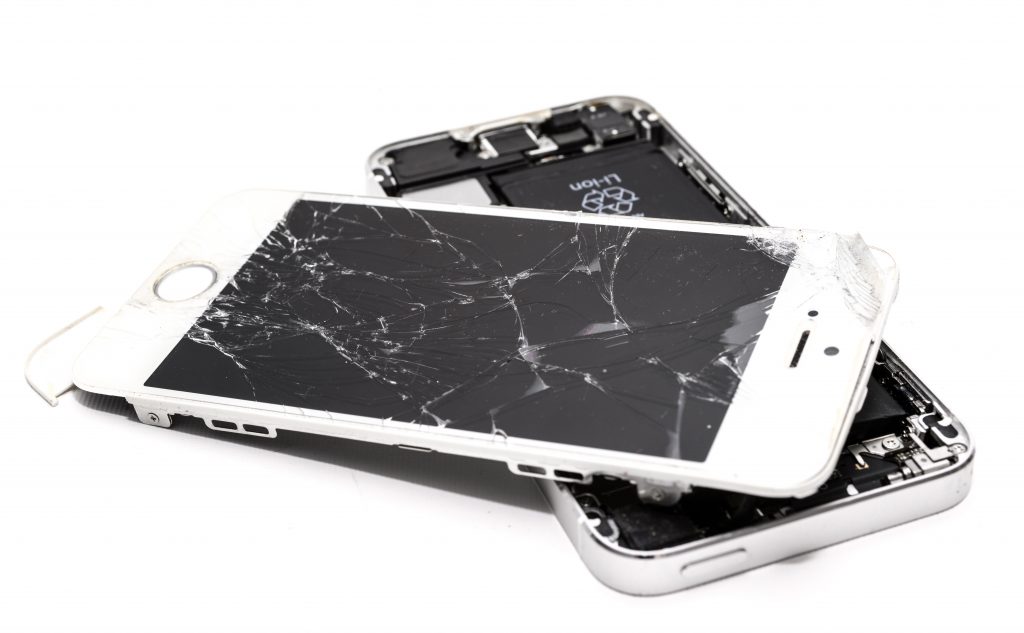
Broken Phone Screen? Here's How to Recover Your Data
You've dropped your phone, the screen has gone black, and now you're wondering whether your photos, contacts and messages are gone for good.
It's a stressful situation, particularly when your phone holds years of family photos, important documents or information you need for work.
The good news is that a broken screen doesn't automatically mean your data has been lost. Depending on the damage and your phone's settings, there may be ways to access your files without replacing the entire device.
At Hi-Tech Fones in Farnworth, Bolton, we help customers with damaged phone screens and can discuss repair options that may help restore access to their devices.
Get Phone Repair Advice →Quick Answer: Can You Recover Data From a Phone With a Broken Screen?
Yes, sometimes. If your phone still works internally, you may be able to recover photos, contacts and files using an existing cloud backup, a trusted computer connection or compatible accessories.
If the screen is completely black or the touchscreen doesn't respond, repairing or temporarily replacing the display may be necessary before you can unlock the phone and transfer its data.
Recovery depends on the phone's condition, security settings and whether a backup already exists.
What Happens to Your Data When Your Phone Screen Breaks?
A cracked screen can look dramatic, but the display and the phone's internal storage are separate components.
If the damage is limited to the screen, your photos, messages and apps may still be stored safely on the device.
Cracked Glass, Working Display
If you can still see and control your phone, you may be able to back up your files normally before arranging a screen repair.
Screen Works but Touch Doesn't
The display may show everything correctly, but damaged touch controls prevent you from unlocking the phone or navigating apps.
Completely Black Screen
The phone may still be switched on and receiving calls or notifications, even though the display shows nothing.
Phone Won't Turn On
If the device shows no signs of life, the problem may involve the battery, internal components or more extensive damage.
The first step is understanding whether the damage affects only the display or whether the phone itself has stopped working.
What to Do Immediately After Breaking Your Phone Screen
Before attempting any data recovery method, take a moment to check the condition of your device.
Check for Signs of Life
See whether the phone vibrates, rings or makes notification sounds. These can indicate that the device is still working behind the damaged screen.
Avoid Repeated Restarting
If your touchscreen doesn't work, restarting may make access harder because many phones require a passcode after switching back on, even if fingerprint or face recognition is normally enabled.
Check Existing Backups
Use another device to check whether your photos, contacts and other information are already backed up to iCloud, Google Photos or another cloud service.
Protect the Phone From Further Damage
Avoid pressing on shattered glass or attempting to peel away damaged display layers. If the phone is overheating, swollen or physically unsafe, stop using it.
Best Ways to Recover Data From a Broken Phone
The most suitable method depends on whether you're using an iPhone or Android device, how badly the screen is damaged and whether the phone can still be unlocked.
| Recovery Method | Best For | What to Know |
|---|---|---|
| Cloud backup | iPhone and Android | Works if your files were already synced or backed up. |
| USB connection | Working, unlockable phones | Usually requires device unlocking and computer access approval. |
| USB mouse or keyboard | Some Android phones | Compatibility varies and the screen may need to remain visible. |
| External display | Supported Android models | Requires compatible hardware and may still need unlocking. |
| Screen repair | Phones with damaged displays | May restore normal access to data if internal storage is intact. |
Method 1: Recover Your Photos and Files From a Cloud Backup
Before buying adapters or attempting complicated fixes, check whether your information is already available online.
This can be the easiest way to recover important files without needing to use the damaged phone.
For iPhone Users
Visit iCloud.com and sign in using your Apple Account.
Depending on your settings, you may be able to access synced photos, contacts, notes and other information.
Some information may be stored within an iCloud device backup rather than being directly viewable online. Restoring that information may require another iPhone.
For Android Users
Sign in to your Google Account on another device and check services such as Google Photos, Google Contacts and Google Drive.
Samsung users may also have information stored through Samsung's supported backup services, depending on their settings.
Method 2: Connect Your Broken Phone to a Computer
A USB cable can sometimes help transfer files, but modern phones use security features that prevent unrestricted access to personal information.
Recovering Data From an iPhone
Connect your iPhone to a Mac or Windows computer using a compatible cable.
Depending on your computer, you may use Finder, Apple Devices or iTunes to access backup and device management options.
However, your iPhone may need to be unlocked and you may need to approve the computer connection on the phone itself.
If the screen is completely unusable and the computer isn't already trusted, a cable alone may not provide access.
Recovering Data From an Android Phone
Connect the device to your computer using a compatible USB cable.
If the phone is unlocked and file transfer is enabled, you may be able to browse accessible files and copy photos or documents.
Some Android phones require you to select a USB file transfer option on the touchscreen, which can be difficult if the display is damaged.
If your phone cannot be unlocked, it may be worth exploring professional phone repair options in Bolton rather than repeatedly attempting connections.
Method 3: Use a Mouse, Keyboard or External Display on Android
Some Android phones support USB accessories that can help you navigate the device when the touchscreen is broken.
This isn't guaranteed to work on every handset, and the available options depend on your phone's hardware and software.
Using a USB Mouse
If your Android phone supports USB On-The-Go (OTG), you may be able to connect a USB mouse through a compatible adapter.
If the display still works, a mouse pointer may allow you to navigate menus, enter information and start a backup.
Using an External Monitor
Some Android phones support external displays through compatible USB-C video output or desktop features such as Samsung DeX.
With the right adapter and supported hardware, you may be able to view the phone's interface on a monitor and navigate using connected accessories.
Using Samsung Smart Switch
Samsung Smart Switch can help transfer supported data between devices or create backups in compatible situations.
However, it may still require the original phone to be unlocked and permissions to be approved. It cannot automatically bypass a broken screen or device security.
Method 4: Repair the Screen to Recover Your Data
If your phone is still working internally but the screen is completely unusable, repairing the display may be the most practical way to access your information.
Modern smartphones use encryption and security features designed to protect personal data. That means technicians generally cannot simply remove a storage chip and read all your files.
Why Screen Repair Can Help
Restore Touchscreen Access
A working display may allow you to enter your passcode and approve backup or transfer requests.
Back Up Important Files
Once the phone is accessible, you may be able to save photos, messages, contacts and other important information.
Keep Your Existing Phone
If the damage is limited to the display, repairing the screen may let you continue using the same device.
Avoid an Unnecessary Replacement
A repair can sometimes be more economical than buying a new phone, particularly if the rest of the device works well.
If you're dealing with a damaged iPhone display, our iPhone repair services in Bolton are a useful starting point.
Tell the repair team that preserving your data is your priority before any work begins.
Can You Recover Data From a Water-Damaged Phone?
A broken or black screen isn't always caused by an impact. Liquid damage can also stop a phone's display from working and may affect its internal components.
Signs of Possible Water Damage
What to Do After Liquid Exposure
Disconnect the phone from any charger or accessory. If it is safe and practical to do so, switch it off and avoid turning it back on repeatedly.
Wipe away external moisture and avoid applying heat, inserting objects into the charging port or placing the phone in rice.
If you suspect liquid has entered the device, professional inspection is safer than attempting to charge or dismantle it.
Can a Repair Shop Recover the Data?
Sometimes, a technician can restore enough functionality to allow the device to be unlocked and backed up. However, severe corrosion or damage to critical components may make recovery impossible.
Successful recovery depends on the condition of the original device and its internal storage.
When Should You Seek Professional Help?
Some broken-screen situations are straightforward, while others involve damage beyond the display.
Screen Completely Black
Your phone appears to be working but you cannot see anything or enter your passcode.
Touchscreen Not Responding
You can see the screen, but damaged touch controls prevent you from unlocking or using the device.
No Recent Backup
Your phone contains important photos or documents that haven't been saved anywhere else.
Possible Internal Damage
The device has suffered a heavy impact, liquid exposure or another fault that may affect more than the screen.
Why Choose Professional Repair?
Attempting to remove a damaged screen or open a phone without the correct tools can cause further damage to delicate components.
A professional assessment can help identify whether the screen is the main problem and whether repairing it could restore access to your data.
Phone Repair Services in Farnworth and Bolton
Hi-Tech Fones helps customers in Farnworth, Bolton and surrounding areas with damaged phones and common repair issues.
If your screen has stopped working, our team can discuss suitable repair options and help you understand what may be needed to access your device again.
Customers in surrounding areas can also explore our iPhone repair services near Walkden and iPhone repairs near Bury.
How to Protect Your Phone Data in the Future
The easiest data recovery problem to deal with is one you've already prepared for. A few simple habits can help protect your information if your phone is ever damaged, lost or stolen.
Enable Automatic Backups
Use iCloud Backup, Google backup services or another trusted solution appropriate for your device. Check that backups are actually completing successfully.
Keep Important Photos Synced
Consider using iCloud Photos, Google Photos or another secure service so important pictures aren't stored in only one place.
Use a Protective Case
A well-fitting case and screen protector can reduce the risk of damage during everyday drops, although no accessory can guarantee complete protection.
Keep a Separate Backup
For irreplaceable photos and documents, consider keeping another copy on a computer or separate storage service rather than relying on a single device.
Frequently Asked Questions
Can I recover photos from a phone with a broken screen?
Possibly. If your photos were backed up to iCloud or Google Photos, you may be able to access them from another device. If they are stored only on the damaged phone, you may need to restore access to its screen before transferring them.
How can I get data from a phone with a black screen?
Check for existing cloud backups first. If the phone is still working internally, a trusted computer connection, compatible Android accessories or a screen repair may help you access the data. The best option depends on your phone model and the damage.
Can I transfer files from a broken phone using USB?
Sometimes, but most modern phones require you to unlock the device and approve the connection. If the screen is completely unusable and the computer isn't already trusted, USB transfer may not be possible without repairing the phone.
Can Samsung Smart Switch recover data from a broken phone?
Samsung Smart Switch can transfer supported information when the original phone is accessible and the necessary permissions are available. It cannot automatically bypass the device's security or guarantee recovery from a completely unresponsive phone.
Will replacing my phone screen delete my data?
A straightforward screen replacement doesn't normally require erasing the phone. However, repairs carry risks, especially if other components are damaged. Back up your data first whenever possible and discuss data preservation with the repair shop.
Can data be recovered from a water-damaged phone?
Recovery may be possible if enough of the phone's original hardware remains functional. Severe liquid damage can make data inaccessible, so avoid charging or repeatedly powering on the device and seek professional advice.
Can a repair shop recover data without my passcode?
Modern iPhones and Android phones protect personal information using encryption. A repair shop generally cannot bypass the device's security simply because the screen is broken. Your passcode or another authorised unlocking method may still be required.
Where can I get a broken phone screen repaired in Bolton?
Hi-Tech Fones is based in Farnworth, Bolton. Contact the team to discuss your damaged phone, available repair options and whether restoring screen functionality could help you access your files.
More Phone Repair Help
Explore our local repair services if your phone has a broken screen or another hardware problem.