iPhone Won't Charge? Here's What to Check First
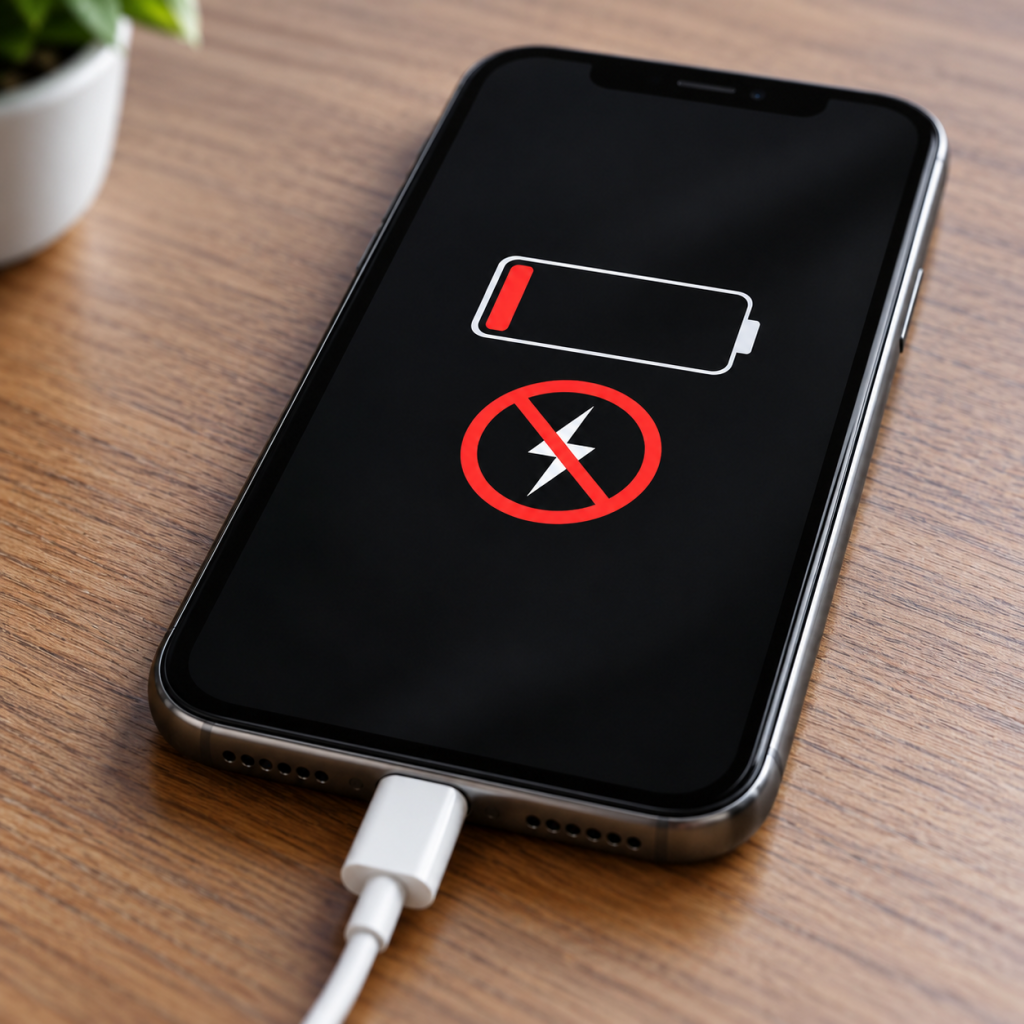
Your iPhone is plugged in, but the battery percentage isn't moving. Or perhaps it only charges when you hold the cable at a certain angle. Sound familiar?
Before spending money on a replacement phone, there are several things worth checking. At Hi-Tech Fones in Farnworth, we help customers across Bolton with charging faults, damaged ports and battery problems.
Get a Free Repair Quote →Quick Answer: Why Won't My iPhone Charge?
An iPhone may stop charging because of a damaged cable, faulty power adapter, blocked charging port, ageing battery or software issue. Try another compatible cable, adapter and wall socket first. If your phone still refuses to charge, the charging port, battery or internal components may need inspecting.
Understanding Common iPhone Charging Issues
Whether you're using an older iPhone or a newer model, charging problems can happen for several reasons. Everyday wear, dust inside the charging port, faulty accessories and ageing batteries can all affect how reliably your device charges.
Depending on your iPhone model, it may use a Lightning or USB-C charging connection. The troubleshooting steps below can help with both.
Common Symptoms of Charging Problems
Only Charges at an Angle
The cable needs to be held in a certain position before your phone starts charging.
Charging Keeps Disconnecting
The charging symbol repeatedly appears and disappears while the cable is connected.
Battery Percentage Stays the Same
Your phone shows that it's charging, but the battery level barely increases.
Phone Won't Turn On
Your iPhone stays unresponsive even after being connected to a charger.
What Causes These Charging Problems?
Common causes include damaged charging cables, faulty USB adapters, debris inside the charging port, degraded batteries and occasional software problems.
Internal charging components can also develop faults. If the basic checks don't help, our iPhone repair service in Bolton can help you investigate the problem.
How to Troubleshoot an iPhone That Won't Charge
Work through these simple checks before deciding whether your phone needs repairing.
Try Another Charging Cable
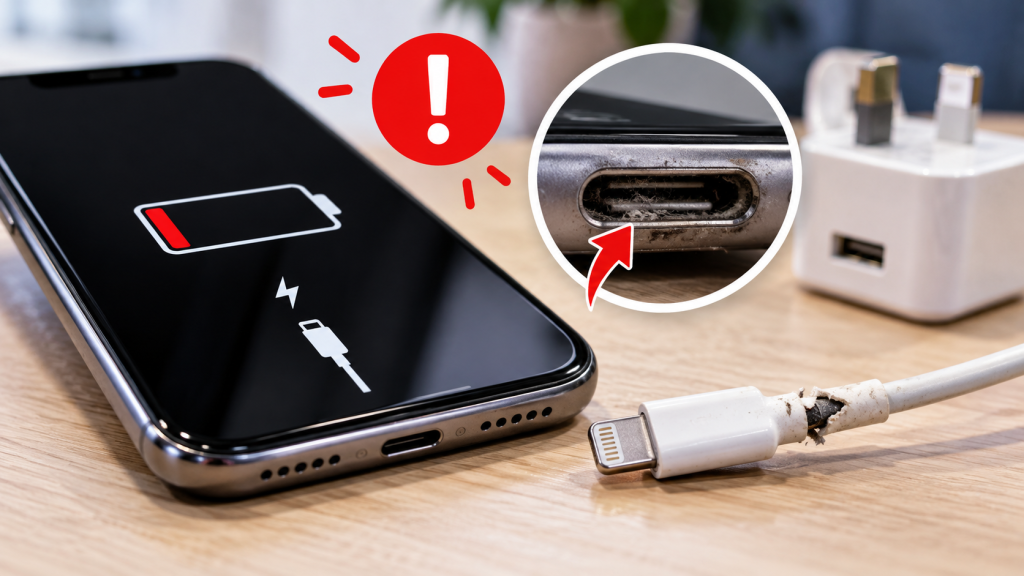
Inspect your Lightning or USB-C cable for fraying, exposed wires or damaged connectors. Test another known-working, compatible cable to see whether your phone starts charging normally.
Test a Different Wall Charger
Try another compatible USB power adapter and wall socket. Sometimes the problem is the charger rather than the iPhone itself.
Check the Charging Port
Switch off your phone and inspect the charging port using a torch. Pocket lint or visible damage may prevent the cable from connecting properly. Avoid inserting sharp objects or liquids.
Give a Flat Battery Time
If the battery is completely discharged, connect the phone to a known-working charger for around 30 minutes before trying to turn it on.
Practical Fixes for iPhone Charging Issues
If swapping accessories hasn't solved the problem, the next step is to investigate software issues, battery health and the charging connection.
Restart Your iPhone
A restart can help clear temporary software issues that may interfere with charging. If your iPhone is unresponsive, you may need to force restart it.
For iPhone 8 and later, including Face ID models:
- Quickly press and release the Volume Up button.
- Quickly press and release the Volume Down button.
- Hold the Side Button until the Apple logo appears, then release it.
Older iPhone models may require a different button combination. Check Apple's instructions for your specific model if you're unsure.
Check Your iPhone Battery Health
Over time, lithium-ion batteries lose their ability to hold a charge. On supported models, open Settings > Battery > Battery Health or Battery Health & Charging, depending on your iPhone and iOS version.
Check the maximum capacity and any battery service recommendations. Poor battery health can explain shorter battery life, although it doesn't automatically mean your charging port is faulty.
If your battery needs attention, a professional iPhone repair in Bolton may be more practical than replacing the entire phone.
Inspect the Charging Port Safely
Lint and debris can prevent your Lightning or USB-C cable from sitting properly inside the port.
Inspect the port with the phone switched off. Avoid scraping the contacts with pins, paperclips or other metal objects. If debris is tightly packed, professional cleaning is safer than risking damage to the connector.
Try Wireless Charging if Your iPhone Supports It
Many iPhone models support wireless charging. If your device charges wirelessly but not through a working cable and adapter, the wired charging connection may need attention.
Wireless charging is a useful troubleshooting test, but it doesn't identify the exact hardware fault on its own.
When Should You Get Your iPhone Repaired?
Some charging problems need professional attention. If you've already tested different accessories and the phone still won't charge reliably, it may be time to have it inspected.
Why Choose Hi-Tech Fones?
At Hi-Tech Fones, we help customers across Farnworth and Bolton with phone charging problems, battery replacements and other device faults.
Our team can inspect the device, explain what may be causing the problem and discuss suitable repair options.
Customers travelling from surrounding areas can also find out more about our iPhone repair services near Walkden.
Visit Our Phone Repair Shop in Farnworth
Visit Hi-Tech Fones at 95 Market Street, Farnworth, Bolton, BL4 7NS.
Bring your iPhone along and explain what happens when you connect the charger. If you've already tried another cable or adapter, let the team know.
Frequently Asked Questions
Can I charge my iPhone using a different cable?
Yes. Testing another compatible, known-working Lightning or USB-C cable is a good way to establish whether your original cable is faulty. Choose reputable, certified accessories suitable for your iPhone.
What should I do if my iPhone stops charging suddenly?
Start by testing the cable, adapter and wall socket. Inspect the charging port for visible debris and try restarting the phone if it's unresponsive. If it still won't charge, arrange a professional inspection.
How can I tell if my iPhone charger is faulty?
Try the charger with another compatible device or use a different adapter and cable with your iPhone. If the problem follows the charger, the accessory is likely faulty.
Why does my iPhone only charge at a certain angle?
A damaged cable, debris inside the port or a worn charging connector could be responsible. Avoid forcing the cable into position, as this may cause further damage.
Can I charge my iPhone wirelessly?
Many iPhone models support wireless charging, including iPhone 8 and later models. You'll need a compatible wireless charger. Check your model's specifications if you're unsure.
Where can I get my iPhone charging port repaired in Bolton?
Hi-Tech Fones is based at 95 Market Street, Farnworth, Bolton. You can visit the shop to discuss charging faults, battery problems and available repair options.
More Phone Repair Help
Explore our local repair services and get help with other phone problems.